Why Manual Billing Is Holding Pakistani Businesses Back
If you're still using a manual cash register or writing bills by hand, you're not just working harder — you're losing money. Every minute spent calculating discounts manually, searching for items in a messy inventory, or recounting cash at closing time is a minute you could spend serving customers or growing your business. In 2026, a POS machine isn't a luxury for big stores anymore. It's a basic tool for any shop, restaurant, or retail outlet that wants to stay competitive in Pakistan's fast-moving market.
What a POS Machine Actually Does (Beyond Printing Bills)
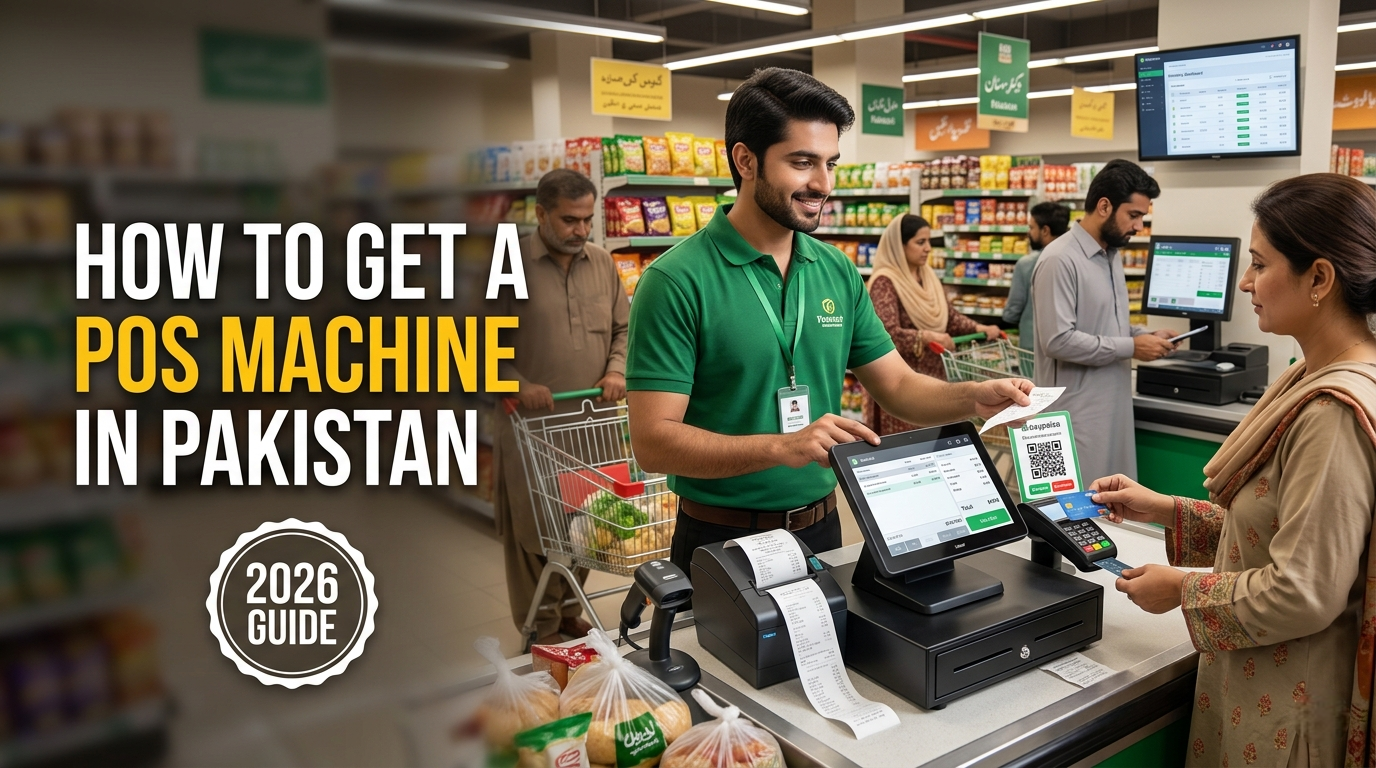
A modern POS system is essentially your business's command center. Here's what it handles:
- Fast billing: Scan a barcode, apply discounts, accept payment — all in under 30 seconds.
- Inventory tracking: Know exactly what's in stock, what's running low, and what hasn't sold in months.
- Sales reports: See your best-selling items, peak hours, and daily revenue at a glance.
- Multiple payment options: Cash, card, JazzCash, Easypaisa, Raast QR — one machine handles everything.
- Customer management: Track regular buyers, manage loyalty points, and send offers via SMS or WhatsApp.
For a detailed look at what different systems can do, explore our range of business POS solutions designed for Pakistani retailers and restaurants.
Types of POS Systems Available in Pakistan
Choosing the right POS starts with understanding your business type:
For retail stores and supermarkets: You need a fixed terminal with a large screen, barcode scanner, and receipt printer. If you have a clothing store, pharmacy, or grocery shop, this setup lets you bill quickly during rush hours.
For restaurants and cafes: Handheld devices are a game-changer. Waiters take orders at the table, send them directly to the kitchen printer, and print the bill on the spot. No more running back and forth or lost order slips.
For field sales and delivery businesses: Portable, battery-powered terminals with 4G connectivity let you bill customers at their doorstep. Perfect for distributors, courier services, and mobile vendors.
The hardware you choose depends on your workflow. Many businesses in Pakistan are switching to Android-based terminals because they're affordable, easy to use, and work with most POS software. If you're curious about modern hardware options, check out the latest Sunmi POS devices that are built for exactly these use cases.
How to Get a POS Machine: Step-by-Step Process
Step 1: Assess your needs
Write down your biggest pain points. Is it slow billing? Inventory confusion? Cash mismatches? Your priorities will guide your choice.
Step 2: Choose your hardware
Based on your business type, decide between handheld, desktop, or industrial terminals. Consider screen size, battery life, and whether you need a built-in printer.
Step 3: Verify PTA approval
This is non-negotiable. Any POS machine with a SIM slot must be PTA-approved. Non-compliant devices will have their connectivity blocked, leaving you stuck with a useless piece of hardware.
Step 4: Select your software
Your POS hardware must run your chosen billing software. Most modern Android terminals natively support comprehensive POS software and cloud-based management solutions.
Step 5: Arrange installation and training
A good provider doesn't just drop off the machine. They help you set it up, connect your peripherals, and train your staff so you're operational from day one.
Ready to start the process? You can talk to POS experts who will help you pick the right setup for your specific business.
Costs and Requirements
POS machine prices in Pakistan vary widely based on features:
- Basic handheld terminals: Entry-level option for small shops and mobile billing.
- Desktop terminals with dual screens: Higher price but better for high-volume retail where customers need to see the bill.
- Industrial-grade devices: Built for harsh environments like warehouses or factories.
Beyond the hardware cost, factor in software subscriptions (if using cloud-based systems), receipt paper, barcode labels, and any peripheral devices like barcode scanners or cash drawers.
For current pricing on different models, browse our POS machines in Pakistan catalog to compare options within your budget.
Common Mistakes Business Owners Make
Buying the cheapest option: A Rs. 15,000 terminal that breaks in six months costs more than a Rs. 40,000 one that lasts five years. Total cost of ownership matters more than upfront price.
Ignoring after-sales support: When your POS goes down during Eid rush, you need someone to call. Many businesses learn this the hard way after buying from sellers who disappear after the sale.
Not training staff properly: Your cashiers need to know how to use the system. A 30-minute training session can save hours of confusion and mistakes.
Choosing based on brand alone: A well-known brand is good, but make sure the specific model fits your needs. A restaurant POS has different requirements than a supermarket POS.
Why Choosing the Right Provider Matters
Your POS provider is a long-term partner, not a one-time vendor. Here's what to look for:
- Authorized distribution: Are they an official partner of the hardware brand? This affects your warranty and support.
- Local presence: Do they have a team in Pakistan who can respond quickly when you need help?
- Technical expertise: Can they help you integrate the POS with your existing systems?
- Track record: Have they served businesses similar to yours?
As an official Sunmi partner in Pakistan, Sabsons provides not just hardware but complete setup support, staff training, and ongoing technical assistance. This matters because a POS system is only as good as the support behind it.
Final Recommendation
Getting a POS machine is one of the best investments you can make for your business. It pays for itself in reduced errors, faster service, and better inventory control. Start with a clear understanding of your needs, choose PTA-approved hardware from a trusted provider, and invest time in training your team.
If you're ready to move forward, the next step is simple. Request a POS demo to see how different systems work in practice. A good demo will show you exactly how the machine handles your specific workflow — whether you're billing customers at a retail counter, taking orders in a restaurant, or managing deliveries.
The right POS system won't just change how you bill. It will change how you run your entire business — for the better.